
Search "fence contractor software" and you get long lists of apps built for every trade at once, priced per user, with features a five-person fence crew will never touch. Here is what a small fence company actually needs, in the order it matters.
Start with where jobs are lost
Most fence software starts after a customer has already called: scheduling, job tracking, invoices. Those matter. But a small fence company loses more money before that point:
- The caller who got voicemail and called the next company
- The homeowner who wanted a price at 9 p.m. and found "call for a free estimate"
- The estimate you drove to for someone who expected a $2,000 privacy fence
So judge software first by whether it brings you more signed fences, then by how it organizes them.
1. A website that quotes per linear foot
Your website is where most fence buyers decide whom to call. It needs:
- A page for each fence type and each town you serve
- Photos of your own fences
- A calculator: fence type, length in feet, gates, tear-out, and a range from your rates
- Leads sent to your phone with the details
With sample rates, 150 feet of wood privacy comes to $5,000 and 150 feet of vinyl to $6,000. A customer who sees that and still calls is ready to talk about the install date. See the fence company website checklist.
2. Calls answered, with prices
Fence crews miss calls all day in season. Look for an answering option that can quote a range from your prices, not just take a message, and that answers in Spanish or Portuguese if your market needs it. Read what missed calls cost a fence company.
3. Scheduling with reminders
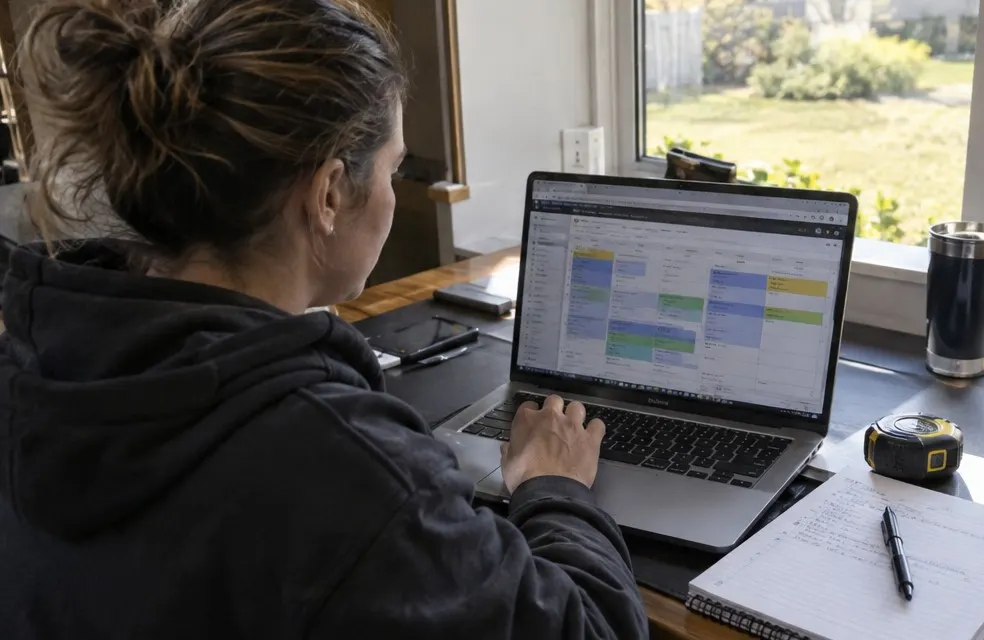
Estimates booked online from your calendar, reminders the day before, and install days you can move in one tap when it rains or a permit runs late. Fence jobs have many steps (estimate, deposit, permit, 811, install, final walk), so reminders keep the customer calm.
4. Deposit and balance invoices
This is where fence differs from most trades. Material is expensive and paid up front, so you need:
- A deposit invoice when the customer signs (often 30% to 50%, within your state's limits)
- A balance invoice on the final walk
- Both paid online by card
- One list that shows which jobs paid the deposit and who still owes the balance
On a $6,950 job, a 30% deposit is $2,085 and the balance is $4,865. You should never be chasing either.
5. Automatic review requests
A text with your Google review link after every install. It is the single easiest way to climb the map. See how to get more Google reviews.
What you probably do not need yet
- Detailed material takeoff and CAD drawing tools. Useful at 20 crews; a spreadsheet or the supplier's quote does it at two
- Per-user pricing. Paying $40 to $200 per user per month adds up fast when your crew leads need the app
- Ten integrations you will never set up
Questions to ask before you buy
- Does it include a website, or do I need another company for that?
- Can customers see a price per foot before they call?
- Who answers when I am on a job site?
- Can I send a deposit and a balance invoice and get paid by card?
- How long does setup take, and who does it?
- Is there a contract? What does it cost per month with my whole crew?
Where FencePilot fits
FencePilot starts before the customer calls: a website on your own .com with a fence estimate calculator, an AI receptionist that quotes from it, scheduling with reminders, deposit and balance invoices paid by card, and automatic review requests. We build the site first and you see it free; plans are monthly with no contract and the domain included.
Setup time is a real cost
Most apps hand you an empty account. You enter your services, prices, customers and templates yourself, often over days or weeks, and in spring you do not have days or weeks. Ask who does the setup and how long it takes before you are taking real jobs through it.
The honest test
Whatever you pick, measure it for one season: how many calls were answered, how many estimates you drove to, how many signed, and how fast you got paid. The right software moves those four numbers.
Frequently asked questions
What is the best software for a small fence company?
The one that brings signed fences without adding office work: a website that quotes per linear foot, an answering option that quotes your prices, scheduling, deposit and balance invoices paid by card, and review requests.
Do fence companies need special software?
General field-service apps work, but fence companies benefit from per-foot pricing on the website and deposit and balance invoicing, because material is paid up front.